Choosing a Drone for Kids: A Parent's Guide to Safe, Shared Flying
2026/08/28Flying a drone looks easy from the ground. Then the controller lands in your hands, the drone starts moving, and suddenly there are sticks to remember, directions to track, and a camera angle to manage. For kids who are still finding their bearings, it can feel like a lot to manage at once.
There is another challenge, too: most kids want to be part of the action, not just watch from behind an adult. Parents want them to have that experience, but they also need to know the flight is being handled thoughtfully. So what kind of drone can feel approachable for kids while still being suitable for an exciting family adventure?
WHY FLYING CAN FEEL TRICKY FOR KIDS
The first flight comes with a surprising amount to keep track of. A new pilot has to understand how the controls affect movement, remember which way the drone is facing, and keep an eye on the space around it. Add in an enthusiastic family shouting suggestions from the sidelines, and even a simple trip around the park can become a little hectic.
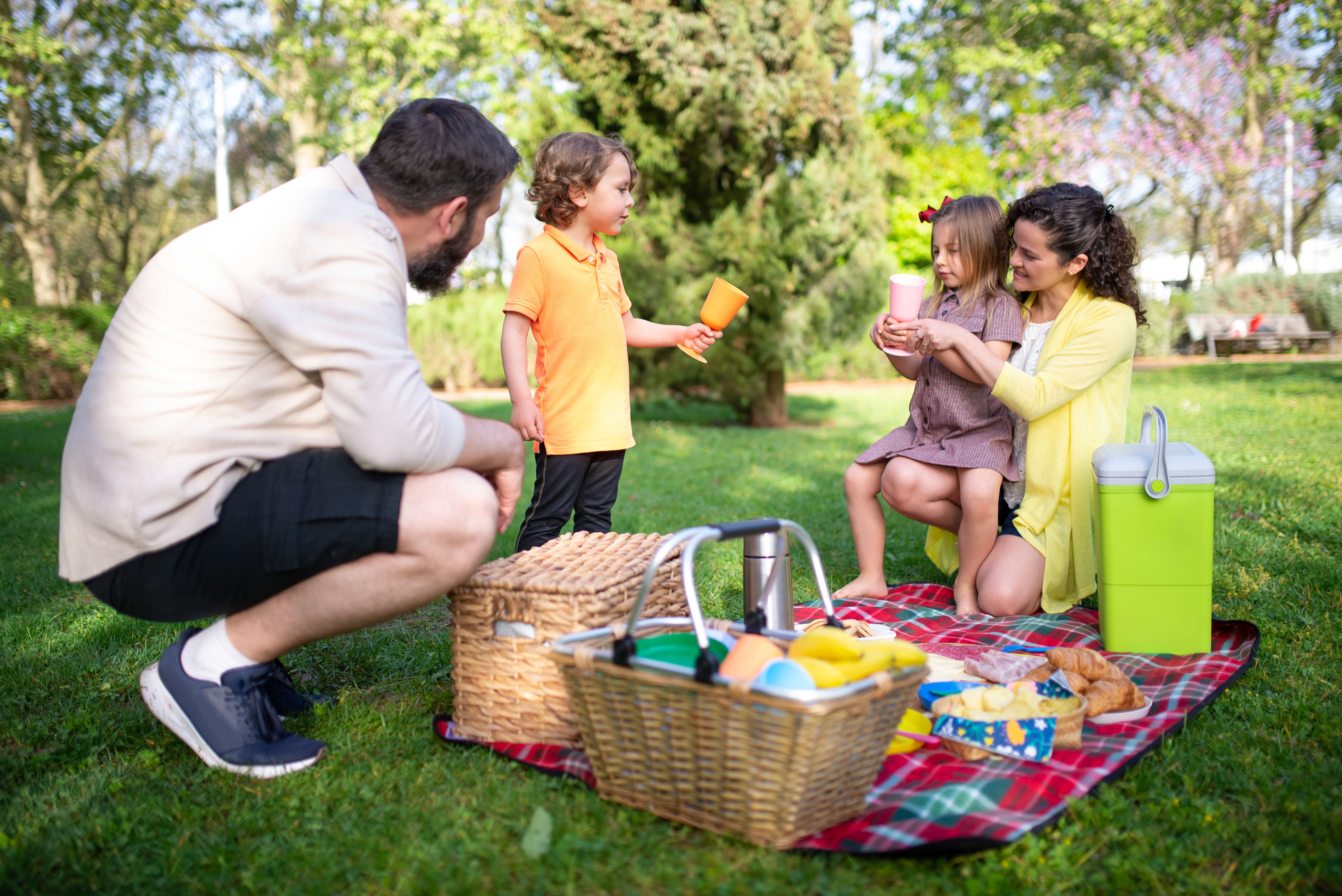
But that doesn't mean kids need to sit on the sidelines! It means the setup should make room for learning, with an adult close by to choose a suitable location, check the weather and local requirements, and supervise the flight from takeoff to landing.
WHAT MAKES A FAMILY FLIGHT WORK?
A good family drone needs controls that are easy to understand, a view that keeps everyone interested, and enough guidance for a new pilot to build confidence step by step. The best first outing is usually a short, simple flight in an open space, with plenty of time to practise before trying anything ambitious.
It also helps when the pilot isn't forced to solve every problem at once. If the controls feel natural and the camera captures more of the scene, kids can focus on the fun of flying while the supervising adult focuses on the bigger picture.
MEET A1: THE DRONE THE WHOLE FAMILY CAN ENJOY
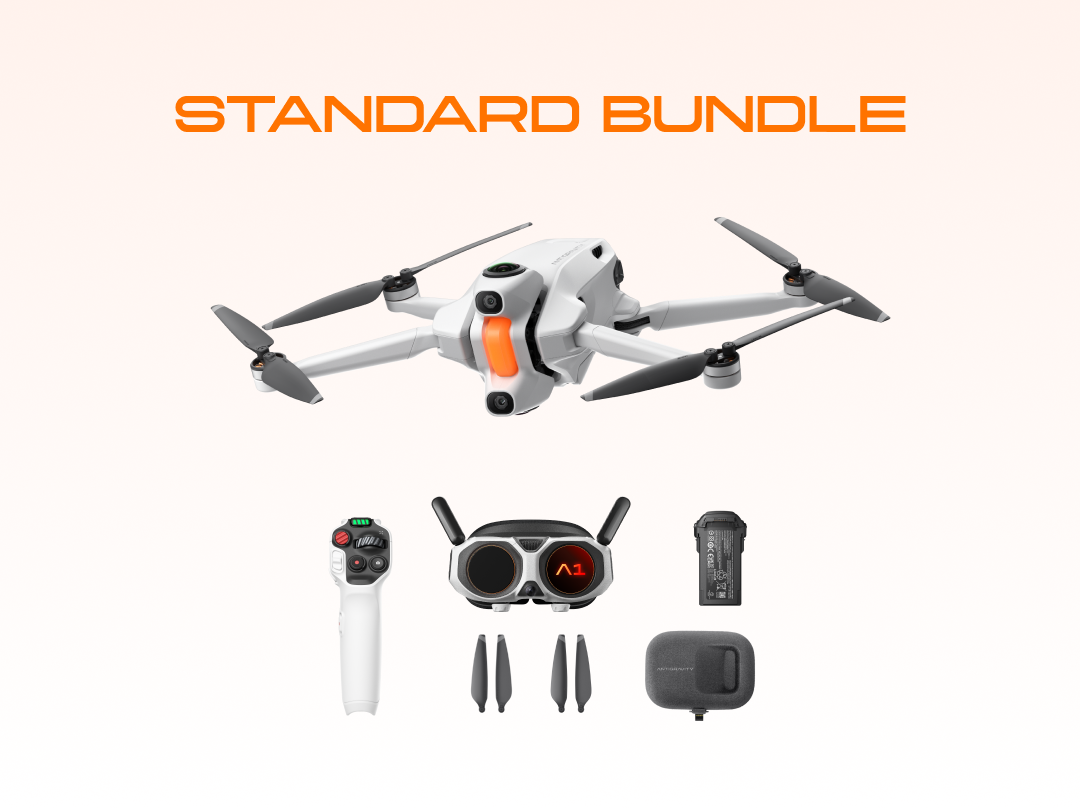
A1 is designed around those exact first-flight hurdles. Its innovative FreeMotion Mode allows for a point-to-fly approach: point the Grip Motion Controller where you want to go and pull the trigger to move. That gives kids a clear connection between their movement and the drone's direction, while an adult stays close to guide them and take over when needed.
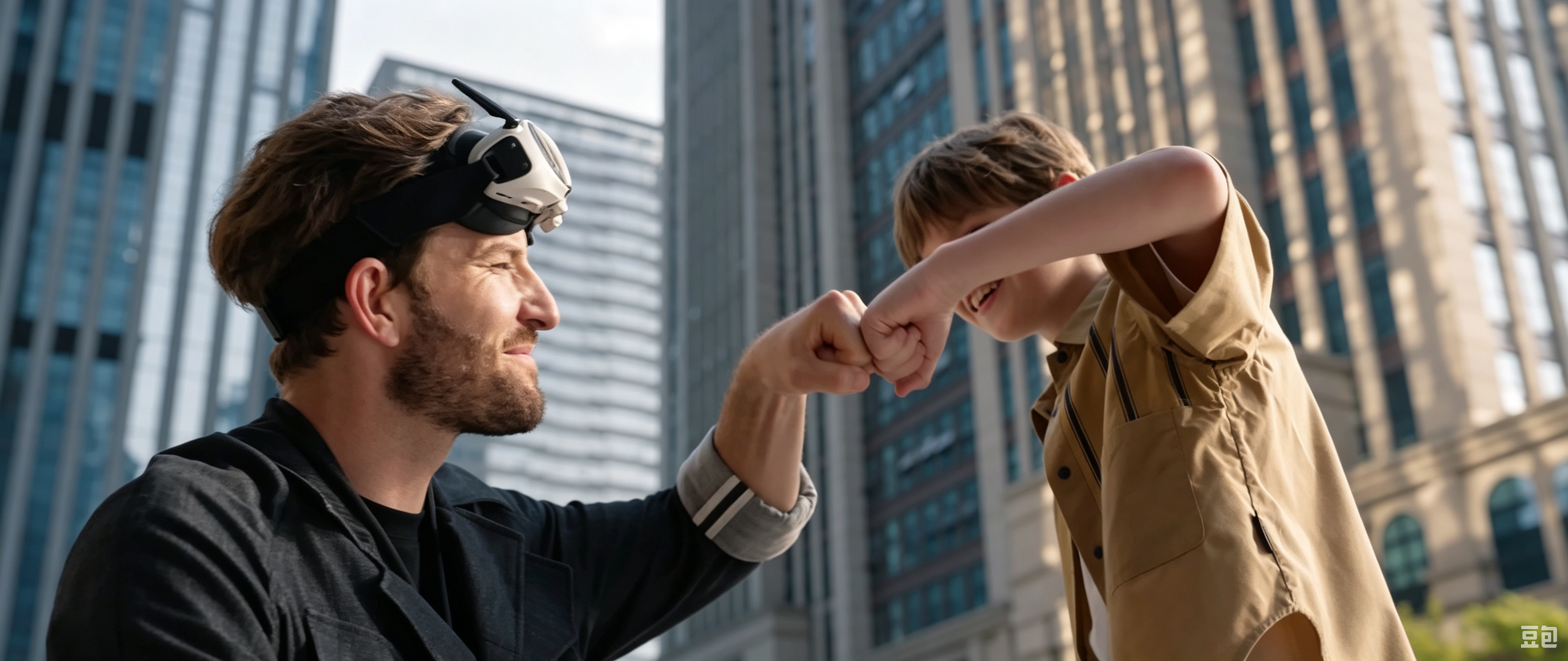
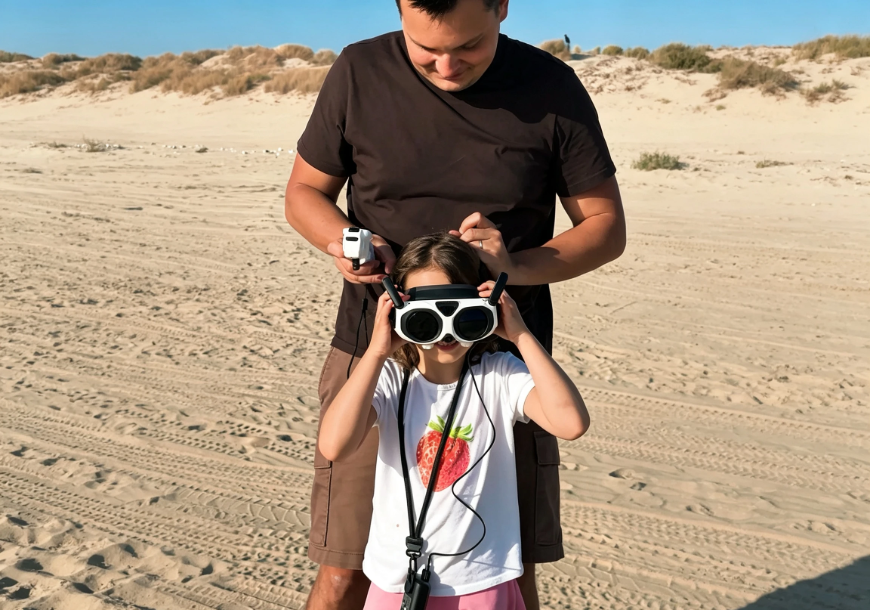
Then there are the lightweight Vision Goggles, designed to be comfortable and easy to wear for younger pilots. They make kids feel like they're right in the sky, not just watching from the ground. Instead of being limited to a small fixed view, they get a full 360-degree perspective and can look up, around, and behind them while the drone keeps flying. The result is a flight experience that's equal parts immersive and unforgettable.
MAKE THE FIRST FLIGHT AN ADVENTURE
You don't need to go far to make the first flight into a grand mission. Parks, gardens, or campsites are already full of places to explore from above. For an even more exciting experience, A1's Virtual Cockpit adds playful avatars like dragons, brooms, and spaceships, giving the little ones a fantasy experience that's like taking a trip to an amusement park.
Another exciting option for family fun is Sky Path, which lets an adult plan a route for A1 to follow. You can make it a scenic pass over the environment or an aerial rollercoaster that takes the viewer dipping and diving through the hills. Once the route is set, the pilot can focus on enjoying the view, building confidence, and asking the inevitable: "Can we go over there next?"
LET THEM FRAME IT THEIR WAY
Family moments move fast, but getting the perfect shot no longer has to. This 360 drone captures the whole scene in crystal-clear 8K, so kids can focus on the flight first and choose their favorite view later on the ground. They can reframe the footage into forward, side, overhead, or backward shots with a few simple adjustments, or use Auto Edit to turn the best moments into an instantly shareable video. No complicated camera work required.
Kids can select their favorite moments, choose the angles they love, and turn the whole adventure into a one-of-a-kind souvenir they made themselves. Not just a video of the day, but their very own sky-high keepsake that lets the whole family relive their special moments together.
A1 IS ON AIR SUPERVISION DUTY
Flying a 360 drone for the first time means keeping track of a lot at once: where A1 is going, what is around it, and when it is time to slow down or stop. A1's omnidirectional obstacle avoidance, forward and downward vision, and Navigation Assist help make that easier by keeping the flight path and forward view visible in the Vision Goggles as young pilots look around and explore.
If they need to pause or head back, Auto Return to Home lets A1 plan its route home, while the official Landing Pad supports more precise landings. These features give new pilots helpful support as they build confidence.
Don't forget that while these features help new and inexperienced pilots navigate the skies, they can't completely replace the pilot's judgement. That is where an adult comes in. Stay close, keep children clear of the launch and landing area, avoid rain and heavy moisture, and choose an open location where you can supervise the flight from takeoff to landing.
SO, WHAT MAKES A GOOD DRONE FOR KIDS?
The Antigravity A1 360 drone gives kids an approachable way to get their wings, while giving adults the visibility and control needed to act as their copilot. Intuitive controls make the first flight easier to understand, the Vision Goggles make the view feel shared, and the drone's 360 capture lets them take their time to find the perfect memories instead of it being a split-second decision mid-flight.
FAQ
CAN KIDS FLY A1 ON THEIR OWN?
Kids should not fly A1 without adult supervision. With a responsible adult close by, a suitable location, and local requirements followed, kids can try A1's approachable point-to-fly controls while the adult guides the experience.
WHAT MAKES A DRONE A GOOD FIT FOR KIDS?
Look for intuitive controls, a fun flight experience, and a simple post-flight workflow that makes it easy to capture and revisit family memories. Just as important are close adult supervision and a safe place to fly.
IS A1 A GOOD FAMILY DRONE FOR BEGINNERS?
A1 is designed to make immersive flight more approachable with FreeMotion Mode, Vision Goggles, a built-in flight simulator, and creative editing tools.