Why an All-in-One Drone Kit Makes Flying Easier
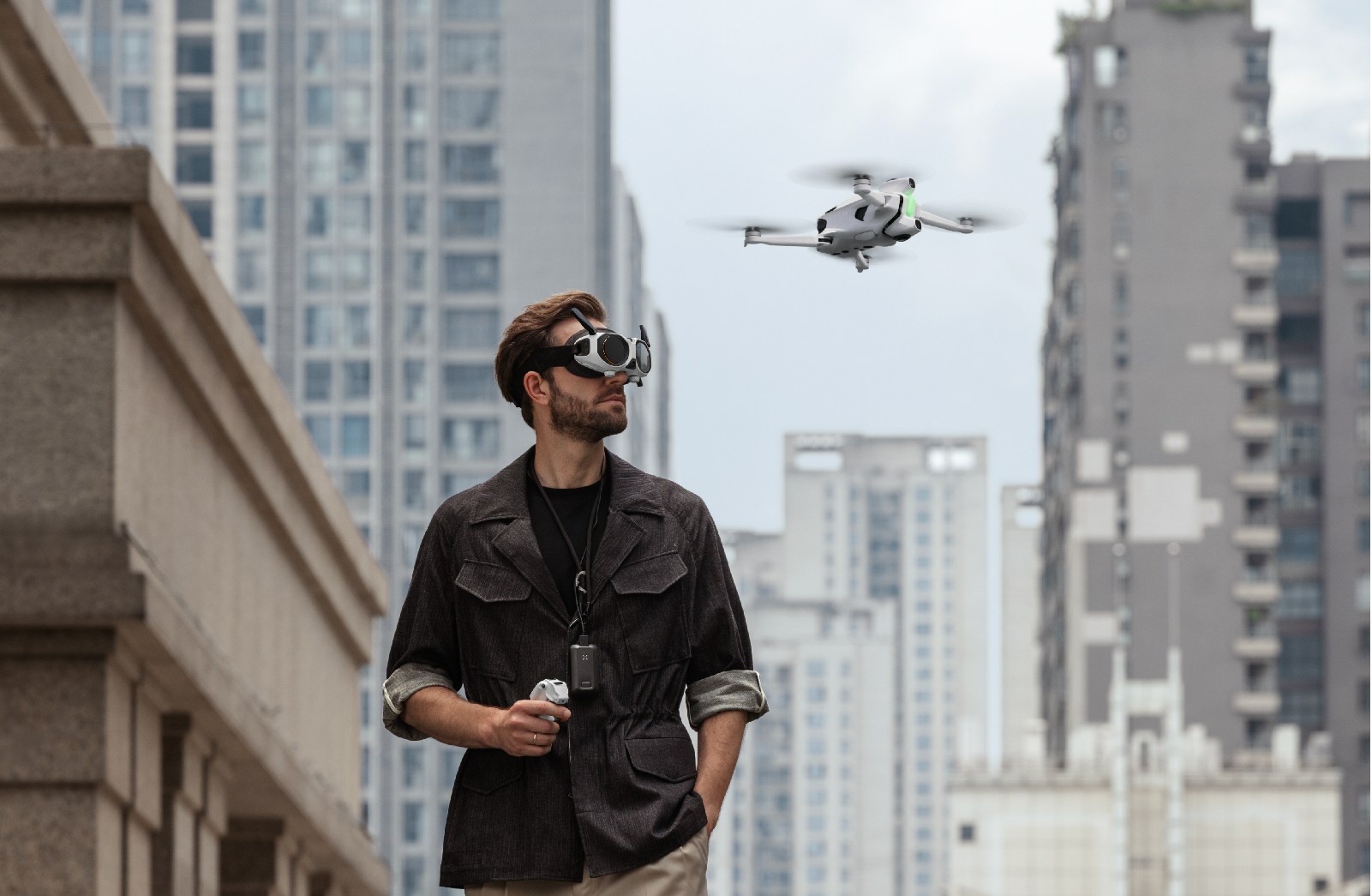
2026/08/05If you're looking for a hassle-free way to get into drone flight, then an All-in-One (AIO) FPV drone kit may be your ticket straight to the fun part. There's certainly a lot to love about DIY kits, but the lead-up time isn't one of them. We're talking tricky soldering, confusing firmware updates, and endless compatibility research. AIO drone kits pack everything that you need to fly into one awesome package. You get the drone, goggles, controller, and batteries all ready to go.
That means zero stress, zero hassle, and way more time actually flying. Ready to see how easy it is? Check out the Antigravity A1 to see how perfectly matched gear and super-intuitive controls turn your first flight into an absolute breeze.
What is an All-in-One FPV Drone Kit?
An All-in-One FPV drone kit gives you a complete flying system in a single package. Instead of sourcing a drone, flight controller, goggles, radio, and batteries from different places, you get matched components that the manufacturer has tested to work together out of the box. A good FPV starter kit reduces component matching and initial setup, although you may still need to charge the batteries, update the software, complete calibration, and review the flight instructions.
What Should a Complete FPV Starter Kit Include?
Before you take the plunge, it helps to know what goes into a ready-to-fly setup. Here is the ultimate gear checklist for everything you need to start exploring!
Drone
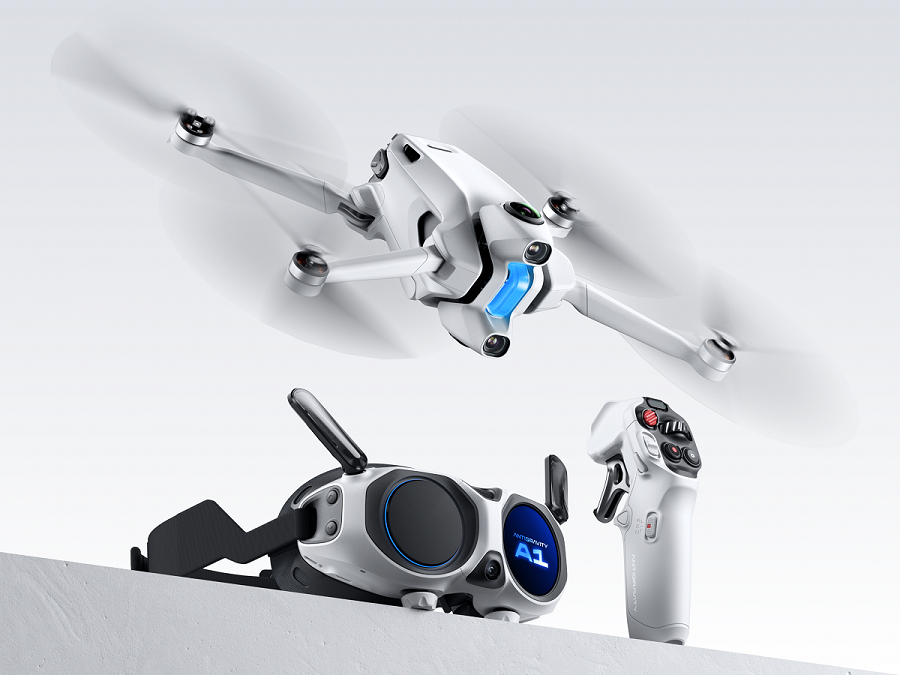
For beginners, a lightweight drone (below 250 g / 8.8 oz) is an absolute game-changer. It is super easy to pack around, handles like a dream, and in many places, helps you dodge annoying registration paperwork so you can get straight to the fun!
HD FPV Goggles
FPV stands for First-Person View, and these goggles are your window into the sky. Streaming a razor-sharp, low-latency live feed straight from the drone's camera, they give you a front-row seat to breathtaking views. Crisp displays and zero lag keep things ultra-smooth, allowing you to cruise the clouds without a hint of motion sickness.
Controller
Your controller is your lifeline to the skies, and the way that you use it completely shapes your flight experience. Traditional kits use twin-stick controllers, but there are also motion-based options that offer a more intuitive way to fly, using simple hand gestures for control.
Battery and Charging Essentials
A complete kit should include flight batteries, a charger, and often a multi-battery hub. Because flight time varies by drone, carrying a spare battery is the best way to ensure your creative sessions don't get cut short. A kit that already includes charging gear saves you from hunting down compatible parts later.
Simulator and Safety Features
Some kits even throw in a built-in flight simulator, letting you practice your moves from the safety of your couch without risking a crash. When you are ready for real-world flight, smart safety features like obstacle avoidance and automatic return-to-home have your back. These are lifesavers while you are learning the ropes and stay just as crucial for seasoned pilots.
AIO vs DIY FPV: Which Is Better for Beginners?
You can enter the hobby in two main ways: build the drone yourself (DIY) or buy an All-in-One (AIO) kit. Here is how they compare at a glance.
Aspect | DIY FPV Build | AIO Kit |
Setup time | Hours to weeks | Minutes |
Technical skill | Soldering, firmware, and tuning | Minimal setup knowledge |
Compatibility | You research and verify compatibility | Components matched by the manufacturer |
Upfront price | Low parts cost, add-ons climb | One price with more components included |
Best for | Builders, racers, and experienced hobbyists | Beginners and pilots who prefer less setup |
DIY FPV Drone Kit: Pros, Cons and Cost
Going the DIY route puts you in the pilot's seat of the build process, teaching you the ins and outs of how everything works, which is a real lifesaver when repair time rolls around. You get to hand-pick your frame, motors, and flight style, but that also means you're on the hook for sourcing separate parts, tools, and spares. Sure, components might start cheap, but once you toss in goggles and a controller (plus the occasional crash tax while you learn the ropes), the bill can climb faster than expected.
AIO FPV Drone Kit: Pros, Cons and Cost
A ready-to-fly FPV kit trades tinkering for convenience. The manufacturer pre-configures the components and verifies that they work together, so you spend your time flying instead of building. The upfront price may look higher than the cost of a bare parts list, but they often offer bundles that include goggles, a controller, and batteries, which may actually end up being a better value than buying each component separately.
Why the Antigravity A1 Makes FPV Easier to Start
We built the Antigravity A1 to remove the friction that stops newcomers before they even take off. It is an easy-to-fly FPV drone that arrives ready to go.
Unbox and Fly
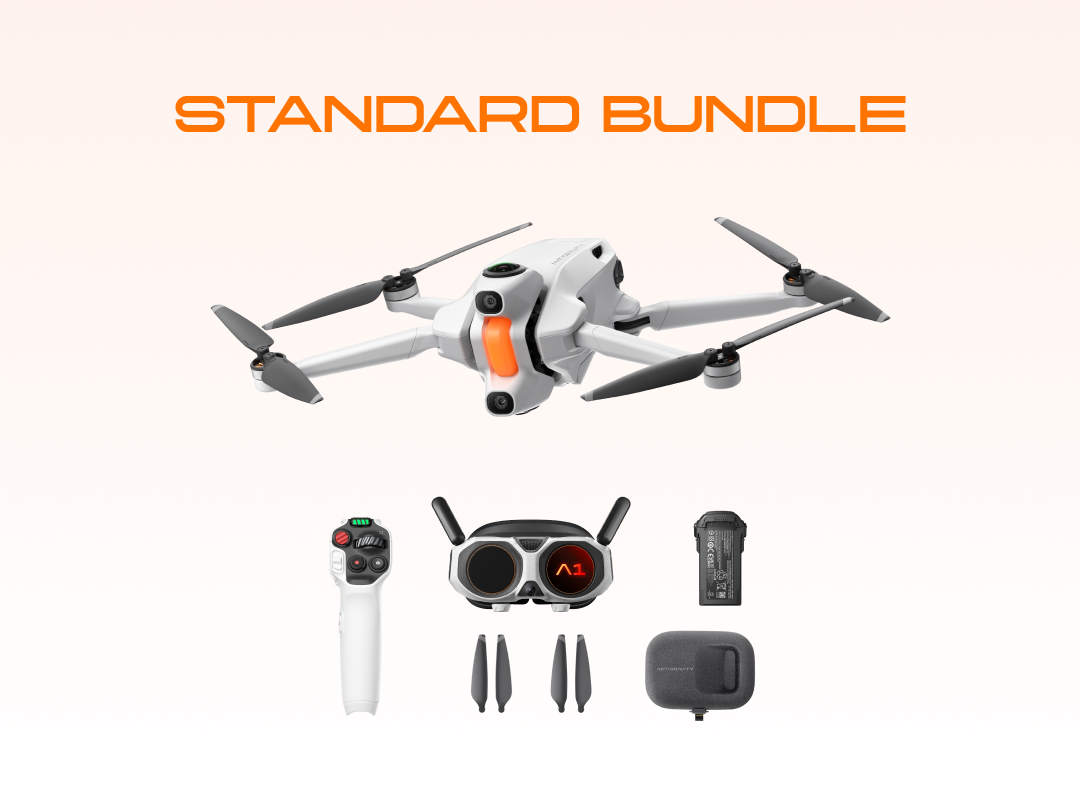
The A1 ships as a single, matched system: drone, Vision goggles, and Grip motion controller. No configuration or soldering needed. Just open it up, charge the batteries, and you're ready to hit the simulator to practice the controls.
Vision Goggles for Immersive 360 Viewing
The Vision goggles provide an immersive live view of the flight. Dual 1-inch (2.54 cm) Micro-OLED displays deliver a 200-inch-equivalent (508 cm) view with a sharp per-eye resolution of 2560 × 2560. Unlike the fixed forward-facing feed of a standard FPV drone with goggles, the A1 streams a full 360 feed, so you can freely turn your head as if you were up in the sky yourself.
Grip Controller and Intuitive FreeMotion Control
The Grip motion controller gives you an alternative to traditional twin-stick controls through FreeMotion control. Just point where you want the A1 to go and pull the trigger. Prefer classic handling? FPV mode lets you steer the drone precisely with a subtle turn of your wrist. Together, the two modes let you choose between point-and-fly control and a more traditional FPV-style response.
Flight Simulator and Omnidirectional Obstacle Avoidance
Before your first real flight, the built-in flight simulator lets you practice the controls in a realistic virtual environment. In the air, the omnidirectional obstacle-avoidance system combines 360 sensing with forward and downward vision to help you steer clear of hazards. Together, these features make the A1 a beginner-friendly FPV drone and give you an additional layer of safety.
Lightweight Design and Efficient Flight Time
At just 249 g (0.549 lb) with the standard Flight Battery, the A1 stays under the 250 g threshold that keeps recreational flying simple in the US and most regions. Swap in the High-Capacity Flight Battery, and you can stay airborne for up to 39 minutes per charge. Add a few spare batteries and other drone accessories, and you can prepare for a full day of shooting.
Here's how the Antigravity A1 stacks up compared to a typical self-built rig:
Feature | All-in-One System (Antigravity A1) | Typical DIY FPV Build |
Assembly | Ready to fly, no soldering | Self-assembled and tuned |
Goggles | Vision goggles w/ 360 view | Bought separately |
Controller | Grip Controller, point-and-fly | Twin-stick radio |
Simulator | Built in | Third-party, optional |
Obstacle avoidance | Omnidirectional | Rare or none |
Weight | 249 g (standard battery) | Varies, often over 250 g |
Flight time | Up to 39 minutes | Typically 4 to 8 minutes |
Why Traditional DIY FPV Has a Steep Learning Curve
Building a DIY FPV drone is a rewarding experience, but you need to learn several skills before you ever leave the ground.
Choosing Compatible Parts
Frames, motors, flight controllers, cameras, and video transmitters all have to match. If you choose incompatible parts, they may not fit or communicate with one another, and you may not discover the problem until assembly or testing.
Soldering, Firmware, and Setup
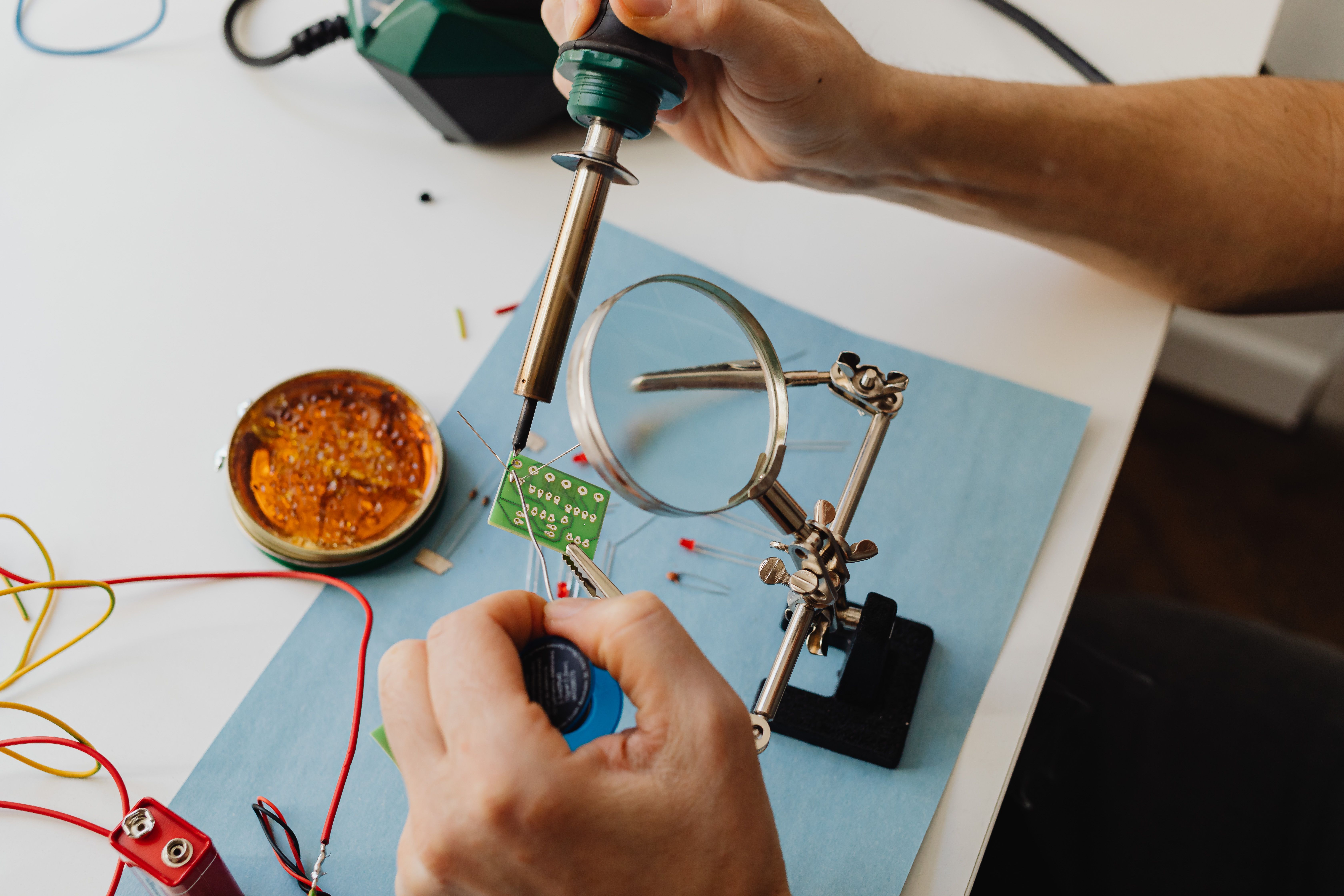
Most builds require you to solder delicate connections, flash firmware, and tune settings through trial and error. These skills take time to learn, especially if you are new to soldering and flight-controller setup.
Buying Goggles and a Controller Separately
When you build a DIY system, you usually buy FPV goggles and an FPV controller separately. Costs add up quickly, and matching both devices to your build adds another compatibility decision before you can fly the system.
Who is an All-in-One FPV Drone Kit Best For?
This type of kit is particularly useful if you prefer an integrated setup to building and tuning individual components.
First-Time Drone Pilots
As a first-time pilot, you can begin with matched components, guided setup, and simulator practice instead of assembling a system from separate parts.
Older Adults and Retirees Seeking a Fresh Experience
An FPV drone for older adults, such as a model with point-and-fly control, should give you simple, intuitive operation without requiring technical experience.
Professionals Needing an Immersive Aerial Perspective
If you conduct construction site checks or real estate walkthroughs, an aerial view can speed up your inspections and documentation. 360 capture is also useful for this purpose, as it captures every angle for streamlined analysis later.
When a DIY FPV Build May Still Be the Better Choice
An all-in-one kit is not the only answer. If you love to tinker, want a featherlight racing quad tuned to your exact preferences, or plan to repair and upgrade your own gear, a DIY build offers freedom a sealed system cannot. Competitive racers and long-time hobbyists often prefer having that level of control over their aerial creation.
Conclusion
Learning to fly doesn't have to start with a soldering iron. An all-in-one FPV drone kit clears away the setup, the compatibility puzzles, and the guesswork, leaving you free to focus on the one thing that matters: flying. With matched components, a practice simulator, and built-in safety, these drones turn a complex hobby into something you can enjoy on day one.
FAQ
Is an FPV Drone Kit Suitable for Beginners?
Yes. An all-in-one FPV drone kit is one of the best ways to begin because it removes setup and compatibility guesswork. With a built-in simulator and safety features like obstacle avoidance, you can build skills more quickly and fly with greater confidence from day one.
Are FPV Drones Difficult to Learn?
Traditional stick-based FPV has a steep curve. Modern kits can make learning easier through alternative controls, stabilization, and training simulators. When you use an intuitive beginner-focused system, you may feel comfortable after your first few sessions.
Do I Need to Build an FPV Drone?
No. All-in-One kits arrive fully assembled and pre-configured. While building your own quadcopter is a rewarding option if you enjoy tinkering, it is entirely optional. If your primary goal is simply to get in the air, a pre-built kit lets you skip the assembly workbench and start flying immediately.