How to Choose a 4K Drone: Camera Quality, Flight Features, and When 8K Matters
2026/09/30For travel, YouTube content, and everyday aerial filming, a 4K drone is usually more than enough. But the "4K" label alone doesn't tell you how good the footage will actually look. Sensor size affects low-light performance and dynamic range, while stabilization and frame rate influence how stable your footage looks and how smoothly it captures motion. If you plan to travel with your drone, weight and portability matter too. We'll look at how these factors affect real-world shooting and whether stepping up to 8K is actually worth it when 4K already covers most everyday needs.
What Does 4K Mean on a Drone Camera?
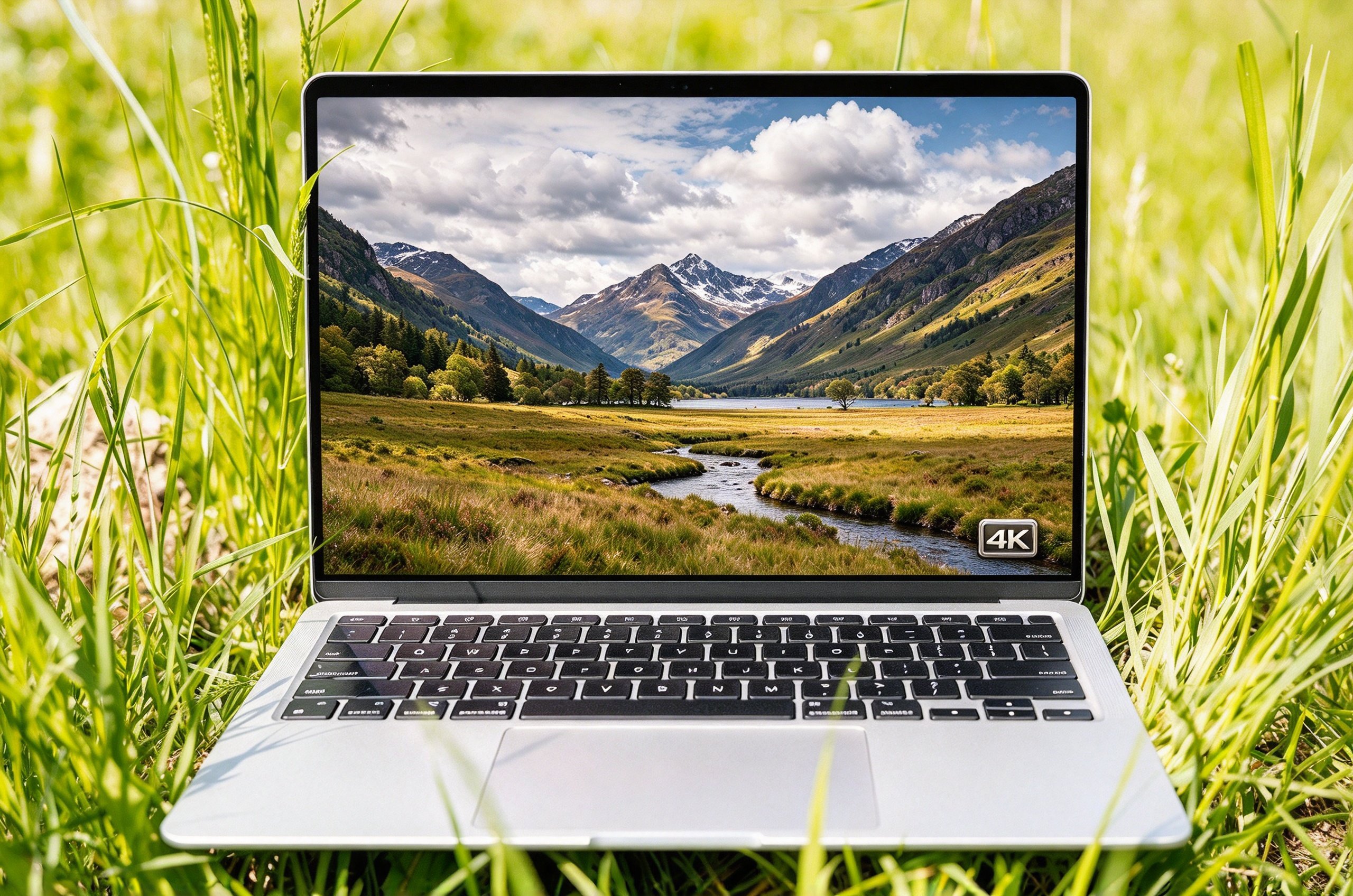
For most drone cameras, 4K refers to UHD video at 3840 × 2160 pixels in a 16:9 aspect ratio. That gives you about 8.3 million pixels in every frame, or four times as many pixels as 1080p video.
In practice, that extra resolution gives you several advantages:
More visible detail: You can preserve finer details in landscapes, buildings, and other distant subjects.
More room to crop: You can crop or reframe your footage in post while keeping more resolution than you would with 1080p footage.
Better detail in 1080p exports: When you downscale 4K footage to 1080p, you can often retain finer detail in the final video.
Still, the “4K” label only tells you the video resolution, not the full story about recording performance or image quality. Different drones can use different aspect ratios, frame rates, bitrates, and recording modes, and those differences affect how smooth your footage looks, how much detail it retains, and how much flexibility you have in post.
You also need to think about resolution differently with 360 video. A 360 camera spreads its pixels across the entire spherical view, while a conventional drone camera uses its pixels for a single framed view. So even if both carry a 4K label, you shouldn't expect the same level of visible detail from each format.
What Makes a Good 4K Drone Camera?
When you choose a 4K drone, don't judge the camera by resolution alone. Sensor size, stabilization, frame rate, bitrate, lens options, and color controls all affect how your footage looks and how much room you have to adjust it later. These are the key factors worth comparing:
What to Check | What It Means for You |
Sensor size | Affects low-light performance, dynamic range, and detail retention |
3-axis gimbal | Helps keep your footage steady when the drone turns, climbs, or flies through wind |
Frame rate and bitrate | Affect motion smoothness and how much detail your camera keeps in complex scenes |
Color profiles | Give you more control when you color grade your footage |
Lens, aperture, and focal length | Affect exposure, field of view, and framing options |
Storage and editing needs | Determine how easy your 4K footage is to save, edit, and manage |
Sensor Size and Low-Light Performance
When you shoot around sunrise, sunset, under cloud cover, or in other challenging light, a larger sensor can help you capture cleaner shadows, better highlight retention, and a wider dynamic range. But don't judge a camera by sensor size alone. Lens quality, image processing, and exposure settings also shape the final footage, so two drones can both record 4K and still produce noticeably different results in the same light. If you often shoot in changing conditions, look for a camera that keeps noise under control while preserving detail in both bright and dark areas.
Stabilization and 3-Axis Gimbal Performance
High resolution won't help much if your footage shakes whenever the drone turns or catches a gust of wind. A reliable 3-axis mechanical gimbal helps control pitch, roll, and yaw so you can keep the horizon level and your shots smooth, which matters when you shoot slow reveals, tracking shots, landscapes, or moving subjects. Pay attention to how stable the drone feels in flight too, because even a good gimbal can only do so much if the aircraft keeps moving around.
Frame Rate, Bitrate, and Color Profiles
When you choose a frame rate, think about how much movement you expect to capture.
4K at 30fps: Works well when you shoot landscapes, travel footage, and slower aerial moves.
4K at 60fps: Gives you smoother motion and more flexibility when you want to slow footage down in post.
Check the bitrate too, especially if you shoot scenes with trees, water, snow, or fast movement. A higher bitrate helps your camera keep more detail when the scene contains a lot of motion or fine texture. If you plan to color grade your footage, look at the available color profiles as well. Standard profiles make quick edits easier, while flatter or log-style profiles give you more control over contrast and color in post.
Lens, Aperture, and Focal Length
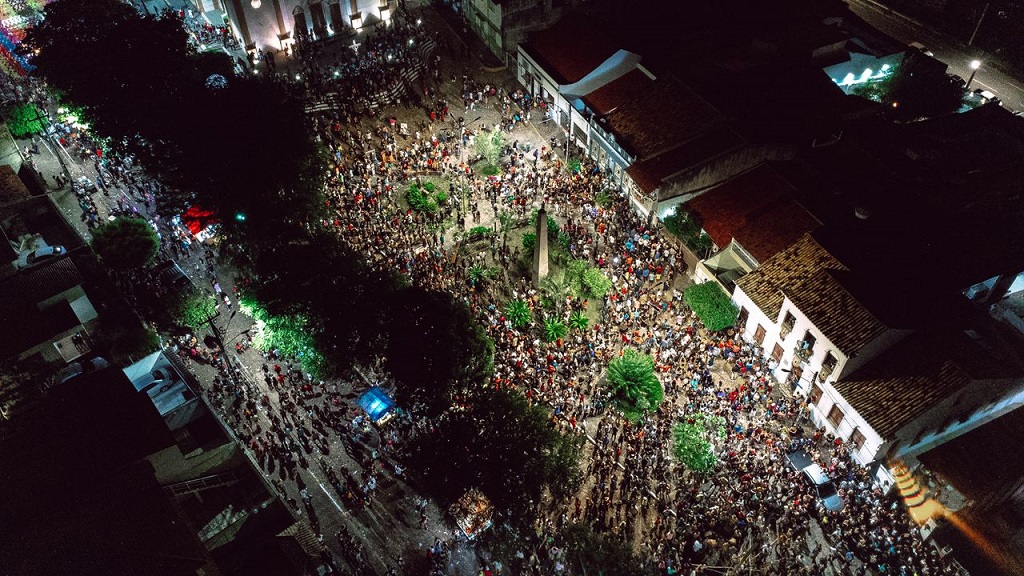
The lens affects how much of the scene you can fit into the frame and how close or distant your subject appears. If you mostly shoot landscapes or travel scenes, you may prefer a wider field of view, while a longer focal length can help you frame buildings, people, or distant subjects without flying closer. Aperture gives you another way to control exposure by changing how much light reaches the sensor, and if the camera has a variable aperture, you can adjust more easily when the light changes during a flight. If a drone offers multiple focal lengths, think about how you usually shoot and whether you value a wider view, tighter framing, or both.
Storage and Editing Requirements
Higher bitrates, frame rates, and resolution settings can give you more flexibility, but they also create larger files and place more pressure on your computer. Before you choose a 4K drone, think about how much footage you usually shoot and how you plan to edit it.
File size: Higher bitrates and frame rates fill your memory card faster.
Codec: H.265 can reduce file sizes compared with H.264, but your computer may need more processing power to edit it smoothly.
Editing hardware: 4K footage can put more pressure on your processor, graphics hardware, and storage speed.
Proxy files: If your computer struggles with full-resolution footage, you can create lower-resolution proxies to make editing smoother.
Choose recording settings that fit your final output instead of defaulting to the most demanding mode, especially if larger files will slow down your editing workflow. If you're taking your first steps into drone videography, learning how camera movement, frame rate, and composition work together can help you get more from any 4K drone.
Is 4K Enough for Drone Video?
For most everyday aerial filming and online content, 4K is already enough. Whether you need a higher resolution depends mostly on how you shoot and how much flexibility you want in post.
When 4K Is Usually Enough
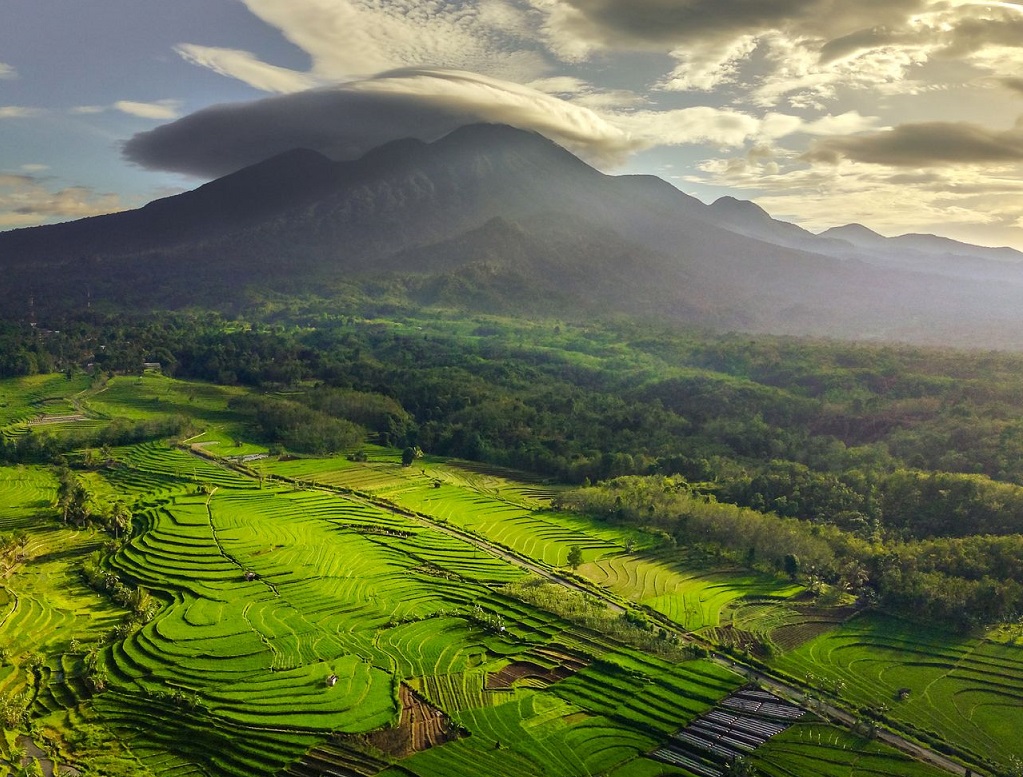
If you mainly shoot in the following situations, 4K will usually meet your needs:
Landscapes and everyday aerial footage: If you get most of your framing right during the flight and only make small adjustments later, 4K gives you plenty of detail.
Travel videos: 4K gives you a good balance of image quality, file size, and editing efficiency, especially when you come home with a lot of footage.
YouTube and social media: Platforms such as YouTube, TikTok, and Instagram usually compress your uploads, so 4K already gives you more than enough resolution for most online content.
Simple editing: If you only plan to make basic color adjustments, light crops, or stabilization fixes, 4K usually gives you enough quality without adding unnecessary storage and editing demands.
In these cases, moving up to 8K may not give you as much practical benefit as the resolution numbers suggest.
When Higher Resolution Can Help
If you want more freedom to reshape your footage in post, higher resolutions such as 8K can give you more room to work:
Heavy cropping or reframing: More pixels let you change the composition while keeping more visible detail.
Pulling multiple compositions from one clip: If you want to crop different areas from the same shot, higher resolution gives you more options.
360 video: Because a 360 camera spreads its pixels across the entire spherical view, higher overall resolution gives you more detail to work with when you reframe the footage later.
Large-screen or high-resolution delivery: If you plan to show your footage on larger displays or want more room for post-production, 8K can give you extra flexibility.
What's the Difference Between 4K and 8K 360 Video?
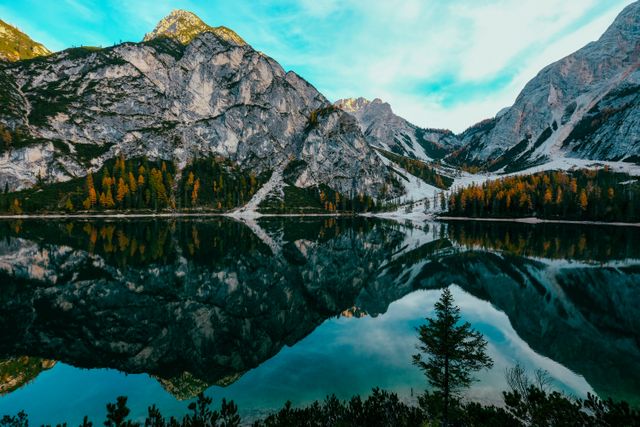
Conventional 4K video and 8K 360 video use resolution in very different ways. The main difference is not simply the number of pixels. It is how each format captures the scene, where those pixels go, and when you decide the final composition.
Conventional 4K Video | 8K 360 Video | |
How you capture the scene | You record one framed view at a time | You capture the scene in every direction around the drone |
How the resolution works | The camera concentrates resolution within a single 16:9 frame | The camera spreads resolution across the full 360 spherical image |
When you choose the framing | You decide the camera direction and composition while you fly | You capture the full scene first, then choose the viewing direction and final framing in post |
Cropping and reframing | You can crop the original frame, but heavier crops reduce visible detail | You can reframe in different directions from the same recording, though each exported view uses only part of the original spherical image |
Where it works best | Travel, landscapes, YouTube, and shots where you already know the composition you want | Action, immersive content, and shots where you want to decide the framing after the flight |
Editing workflow | You get a simpler workflow with easier-to-manage files and fewer editing steps | You need an extra 360 reframing step, along with more storage and editing power |
Simply put, if you already know the shot you want while you are flying, conventional 4K keeps the shooting and editing process simpler. If you want more freedom to decide the final view after the flight, 8K 360 gives you more flexibility in post.
Antigravity A1 follows that second approach. As the world's first 360 drone¹, A1 captures the full spherical scene in 8K, so you can choose the final viewing direction after the flight instead of committing to one camera direction in the air.
When Does 8K 360 Capture Make More Sense Than Conventional 4K?
If you expect to reframe or crop heavily in post, or you want more options from a single flight, 8K 360 can give you more flexibility than conventional 4K. The real advantage is not simply the higher resolution number. It is the extra room you have to shape the footage afterward.
Where 8K 360 Gives You More Flexibility | What It Means for You |
More freedom to reframe | When you turn 360 footage into 16:9, 9:16, or other flat video formats, you can change the viewing direction, subject placement, and final composition more freely. |
More detail after cropping | A higher-resolution source gives you more detail to work with when you crop, zoom, or reposition a subject in post. |
More room for digital stabilization and correction | Electronic stabilization and horizon correction often crop the frame, so extra pixels give you more room to make those adjustments while preserving usable detail. |
These advantages become especially useful in the following situations.
When You Need Multiple Edits From One Flight
One flight may need to produce more than one finished video. You might want a 16:9 version for YouTube, a 9:16 cut for Reels or TikTok, and another edit that keeps a different person or object at the center of the frame. With 360 footage, you can create those different versions from the same recording instead of flying again for every composition or aspect ratio.
The Antigravity App can also identify subjects and highlight key moments in your footage. With Auto Edit 2.0, it can help you adjust viewing angles, camera moves, and pacing to match the music, cutting down on repetitive editing when one flight needs to support several final versions.
For Skiing, Cycling, and Other Fast-Moving Action
When you follow a skier, cyclist, or moving subject on the water, speed and direction can change without warning. You have to keep the drone on the subject while also watching the camera direction, and one sudden turn or acceleration can push the best moment outside your original frame.
With Antigravity A1, you can focus more on following the action and controlling the flight instead of constantly correcting the camera direction. Its 8K 360 capture lets you choose a stronger viewing angle afterward. Its omnidirectional sensing system can also provide extra obstacle awareness in changing outdoor environments, although you still need to watch for wires, thin branches, and other hard-to-detect obstacles yourself.
If you care more about slow motion or smoother action, remember that a higher frame rate may matter more than maximum resolution. Choose the recording mode based on whether you need more room to reframe or smoother motion.
For Travel and Moments You May Only Get Once
Travel often gives you a narrow shooting window. Sunrise light can disappear within minutes, a boat may pass a viewpoint only once, or you may hike a long way to reach a location you will not revisit anytime soon. In situations like these, flight time matters alongside the flexibility you get from 360 capture.
A1's High-capacity Flight Battery offers up to 39 minutes of rated flight time, giving you more time to wait for the light, explore the scene, or adjust your position before you land. If you prefer to travel lighter, the Flight Battery keeps A1 at 8.78 oz (249 g) and offers up to 24 minutes of rated flight time.
What Else Should You Look for in a 4K Drone?
Camera quality is only part of the buying decision. You also need to consider how easy the drone is to carry, how much usable flight time you get, how well its sensors cover the surrounding area, and how comfortable the controls and live view feel. These factors can shape your everyday flying experience just as much as resolution, sensor size, or frame rate.
Weight and Portability
If you travel, hike, cycle, or carry camera gear for hours, a lighter and more compact drone can make a noticeable difference. Check the complete takeoff weight with the battery and accessories you plan to use rather than focusing only on the aircraft itself.
For U.S. recreational flyers, 8.8 oz (250 g) is also a useful weight threshold to keep in mind because it can affect registration requirements. If travel and casual flying matter most, staying below that weight can make the drone easier to carry and may simplify the regulatory side of ownership. If stronger wind performance, larger camera hardware, or other flight features matter more, however, you do not need to treat 250 g as a hard buying limit.
Flight Time and Battery Options
Longer flight time gives you more room to explore a location, wait for better light, or try a shot again before you land. For everyday filming, around 25 to 30 minutes of rated flight time is a useful starting point, while more than 30 minutes gives you extra breathing room for travel, landscapes, and longer shooting sessions.
Real-world flight time will usually vary with wind, temperature, flying speed, and the battery reserve you keep for a safe return. Compare spare battery availability, charging time, and how quickly you can get back in the air. If two drones offer similar endurance, a better battery and charging setup may matter more than a few extra minutes on the spec sheet.
Obstacle Sensing and Flight Safety
The amount of obstacle sensing you need depends largely on where you plan to fly. If you mostly shoot in open areas, basic forward and downward sensing may cover your main needs. If you expect to fly around trees, buildings, or other complex environments, wider directional coverage becomes much more useful.
No sensing system can see everything. Thin branches, wires, reflective surfaces, and low contrast objects can still cause problems, so you need to watch the flight path yourself. Treat obstacle sensing as extra support rather than a substitute for careful flying.
Controls and Video Transmission
Good controls should make small movements feel predictable and let you hold a steady position with minimal correction. If you're shopping for a beginner drone, prioritize straightforward controls, reliable positioning, Return to Home, and a clear live view before you worry about advanced flight modes or complex camera moves.
For video transmission, focus more on feed stability, image clarity, and responsiveness than the longest advertised range. A stable live view makes it easier to follow a subject, judge distance, and adjust your composition while you fly. U.S. recreational rules also require you or a visual observer to keep the drone within visual line of sight, so an extreme transmission range does not automatically make a drone more useful for everyday flying.
How to Choose a 4K Drone for Your Use Case
The right 4K drone depends less on one headline spec and more on what you actually plan to shoot. Start with your most common use case, then prioritize the features that will make the biggest difference once you are in the air.
Your Use Case | What to Prioritize | Why It Matters |
Travel and hiking | Compact size, low weight, at least 25 to 30 minutes of rated flight time | A lighter drone is easier to carry all day, while longer battery life gives you more time to shoot without frequent stops or battery changes. |
First drone and everyday flying | Predictable controls, stable hovering, Return to Home, clear live view, basic obstacle sensing | Easy controls and reliable safety features help you spend less time managing the aircraft and more time learning how to frame a shot. |
YouTube and social media | Stable 4K video, good stabilization, practical frame rates, easy file handling | 4K gives you enough resolution for most online platforms while leaving some room to crop, reframe, or export different versions without making the workflow unnecessarily heavy. |
Sports and fast moving subjects | Higher frame rates such as 4K at 60fps, strong stabilization, responsive controls, wider obstacle sensing | Higher frame rates make motion look smoother and give you more flexibility for slow motion, while responsive controls help you keep up with changing movement. |
Landscapes and low light | Larger sensor, strong dynamic range, reliable gimbal, good exposure controls | Sensor and lens performance matter more than resolution alone when you want to preserve detail in shadows, bright skies, sunrise, or sunset scenes. |
More advanced video work | Higher bitrate, flat or log style color profiles, manual exposure controls, flexible frame rates | These features give you more room to color grade, match footage across shots, and shape the final look in post. |
You do not need every feature on this list. Start with the type of footage you shoot most often, then spend your budget on the features that directly support it rather than chasing the longest spec sheet.
Do FAA Rules Change for a 4K Drone?
No. FAA rules do not change just because a drone records in 4K. What matters is the drone's weight, why you are flying, whether it needs Remote ID, and where you plan to fly.
What Matters | What You Need to Know |
Weight | If you fly strictly for recreation, a drone under 0.55 lb (250 g) generally does not require FAA registration. The FAA requires registration once the drone weighs 0.55 lb (250 g) or more. |
Purpose of flight | Recreational flyers must pass TRUST and carry proof of passage. If you fly for business, government work, or another nonrecreational purpose, Part 107 rules generally apply, regardless of whether the drone records in 4K. |
Remote ID | Drones that require registration or that you register must generally comply with Remote ID. Depending on the drone and where you fly, that may mean built in Standard Remote ID, a broadcast module, or operating under an allowed exception such as a FRIA. |
Airspace and flight limits | Recreational flyers must keep the drone within visual line of sight and stay at or below 400 ft (122 m) in Class G airspace. You need FAA authorization before flying in controlled airspace, usually through LAANC or FAA DroneZone. |
So when you compare 4K drones, do not treat camera resolution as a regulatory factor. Check the takeoff weight, purpose of the flight, Remote ID status, and airspace instead.
Conclusion
The right 4K drone depends on how you shoot, where you fly, and how much editing you plan to do. For most travel, YouTube, and everyday aerial filming, 4K already gives you plenty of resolution, while sensor quality, stabilization, frame rate, flight time, and portability often make a bigger difference in everyday use. If you know the composition you want while you fly, conventional 4K keeps the workflow simple. If you want more freedom to reframe and crop after the flight, an 8K 360 drone such as Antigravity A1 offers a different approach with more flexibility in post.
FAQs
Is 4K good for a drone?
Yes. For most travel, YouTube, and everyday aerial filming, 4K gives you plenty of resolution for sharp footage, light cropping, and most online platforms. Just remember that resolution alone does not determine image quality. Sensor size, stabilization, frame rate, bitrate, and lens quality can matter just as much as the 4K label.
Is 4K 60fps better than 4K 30fps for drone video?
Not always. When you shoot at 60fps, you capture twice as many frames per second as you do at 30fps, which can make fast movement look smoother and give you more flexibility for slow motion. The tradeoff is that 60fps usually creates larger files and may need a higher bitrate to maintain similar image quality. If you're shooting slower landscapes or more cinematic aerial scenes, 30fps can still look smooth while keeping file sizes easier to manage.
Do I need a license to fly a 4K drone?
No. You do not need a pilot license just because your drone records in 4K. If you fly strictly for recreation, you must pass the TRUST safety test and carry proof that you passed. For recreational flying, the FAA requires registration when your drone weighs 0.55 lb (250 g) or more. For most nonrecreational operations, you need a Part 107 Remote Pilot Certificate, regardless of the camera resolution.