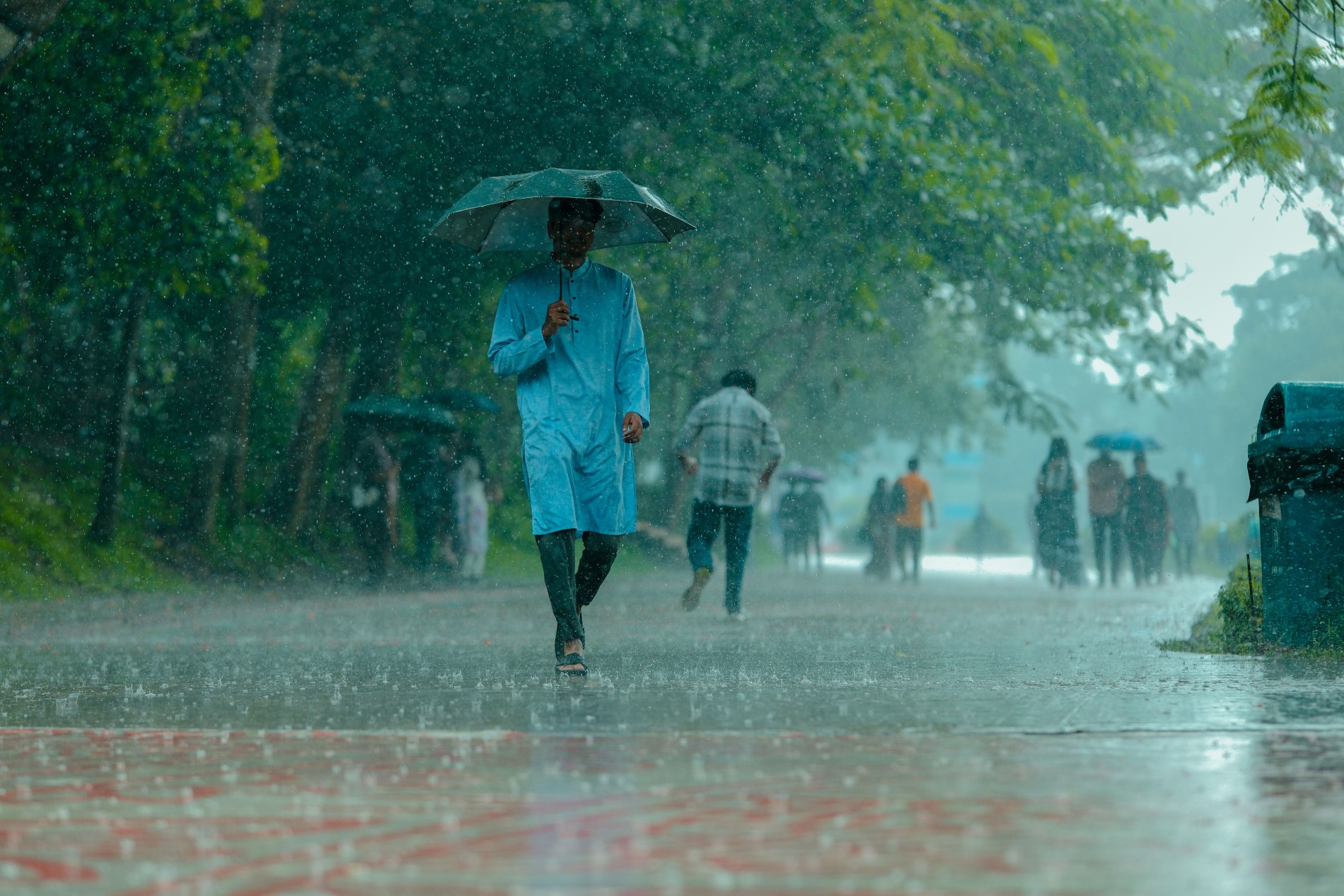
Can You Fly a Drone in the Rain?
2026/10/31Can you fly a drone in the rain? For most pilots, the short answer is no. Keep the Antigravity A1 grounded in rain or heavy moisture, and use other models in wet conditions only when their manufacturers allow it. This guide explains how water affects your drone, what IP ratings tell you, and how to handle an unexpected shower.
What Rain Does to a Drone
Rain can enter vents, reach exposed connections, or collect around moving parts. Water on the outside can also affect your view through the camera. Understanding these different effects helps you recognize why a drone may need attention even after an uneventful landing.
Electrical Problems
Moisture and contaminants can create unwanted electrical paths between components. That can damage electronics, interrupt power, or affect control. The location and extent of exposure matter, especially around battery contacts and circuit boards. If your drone shows an error or behaves unusually after getting wet, keep it out of service until you've received appropriate guidance.
Corrosion After the Flight
The effects of water exposure may develop gradually. Moisture and residue left on electrical connections can encourage corrosion, so a dry exterior doesn't tell you everything about the condition inside. When you assess what happened, note how long the drone was exposed, whether it landed in water, and any warnings you saw. Those details are useful when you contact support.
Reduced Camera and Sensor Performance
Droplets on the camera lens can blur or distort footage. Moisture may also affect the sensors your drone uses for positioning and obstacle detection. You may notice a poorer image or a warning before you see any obvious physical damage. Treat those changes as a reason to finish the flight, rather than trying to capture one more shot.
What an IP Rating Actually Tells You
If you're researching a waterproof drone, look beyond the product label to its documented protection and operating limits. An IP code describes how an enclosure resists the entry of solids and water under specified tests. It helps explain a product's construction, while the flight manual tells you the conditions in which you can operate it.
How to Read the Two Digits
The IP code comes from IEC 60529. Its first digit describes protection against solid objects or dust; its second describes protection against water. For example, the two sixes in IP66 refer to different things. Read both parts of the code instead of treating the number as a single score. The following examples summarize the test categories.
IP Rating | Solids Protection | Water Protection |
IP43 | Protection against solid objects 0.04 in (1 mm) in diameter or larger. | Water spray up to 60° from vertical under the specified test. |
IP55 | Dust protected; limited ingress must not interfere with satisfactory operation. | Water jets under the specified test. |
IP67 | Dust-tight. | Temporary immersion under the specified test conditions. |
Use the Rating with the Flight Manual
A drone IP rating isn't a rainfall forecast or a flight-time allowance. Spray, jets, and immersion are different tests, and immersion resistance doesn't automatically mean it can handle water jets. Wind, visibility, and the drone's handling limits need separate consideration. Use the manufacturer's stated operating conditions to decide whether a planned flight is suitable.
Some professional drones that can fly in the rain support inspection or emergency work within defined limits. They don't set the standard for your recreational drone. A water-resistant drone still needs a weather assessment for the specific model and mission. Keep the decision straightforward: identify the drone, read its limits, and compare them with conditions at your location.
What to Do If Rain Catches You Mid-Flight
If a shower starts unexpectedly, focus on bringing the drone down safely. Work through the situation in order: finish the flight, power down after landing, then assess whether the equipment needs professional attention.
While the Drone Is in the Air
Return and land promptly when it's safe to do so. Choose an open, flat landing area away from puddles, people, and obstacles. If returning to the original launch point would prolong exposure or create another hazard, use a suitable nearby landing spot. Follow your drone's landing procedure and maintain control throughout the approach.
Keep the route simple and stay focused on the drone. Don't stop in the air to change camera settings or finish a sequence. A dry-looking patch of ground may still be slippery or uneven, so check the landing area before descending.
After a Safe Landing
Once the drone has landed and its propellers have stopped, power it down. Remove the battery only when you can do so safely. Move the equipment to a dry place and gently wipe exterior moisture away with a soft, dry cloth. Keep the drone, battery, and charging equipment separate while you assess their condition.
Allow surface moisture to dry at room temperature. Avoid direct heat, and don't open the drone or improvise a repair. An exterior wipe is a useful first step, but suspected internal water exposure needs further assessment before the drone returns to use.
If Water May Have Reached the Electronics
Don't repeatedly power the drone on to see whether it still works, and don't charge a battery that may have suffered water damage. Contact Antigravity Support for advice if you're flying A1. Describe the exposure and any warnings, unusual behavior, or visible damage. Follow the service instructions before attempting another flight.
How to Prepare for Changeable Weather
A little preparation makes it easier to choose a good flight window and end the outing early if conditions change. Plan for the whole session, including the return and landing, rather than just checking whether the sky looks clear when you arrive.
Check the Forecast and the Launch Site
Use a drone weather app to review precipitation, wind, gusts, and visibility for the location and time you plan to fly. Check again on arrival, especially after a long drive. Watch for approaching showers and changes in wind, and leave time to return and land before the weather reaches you.
Look beyond a single percentage or weather icon. The timing and movement of showers matter when choosing a flight window. If rain is approaching, save the flight for another time. For a photography outing, you can use the break to explore ground-level compositions or plan a different viewpoint for clearer conditions.
Keep Your Equipment Dry Between Flights
Choose a dry place to unpack and leave a suitable landing area available. Keep your bag closed when you're not using it, and move exposed equipment under cover if the weather changes. Check original port covers and other closures as directed by the manual. Use the manufacturer's maintenance instructions rather than adding sprays or improvised seals.
Planning Your A1 Outing and Getting Support
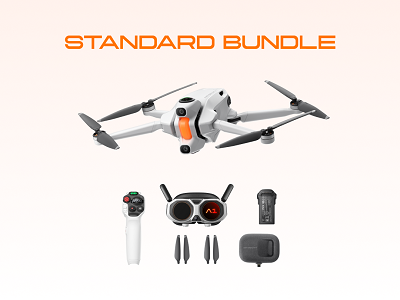
For the Antigravity A1, the weather guidance is clear: it isn't waterproof, and you should avoid flying in rain or heavy moisture. If conditions change unexpectedly, return and land promptly. Before your next outing, make sure the drone is fully dry and seek support if you suspect internal exposure or damage.
Antigravity Care is an optional plan that includes water-damage coverage for eligible incidents. Replacement limits, service conditions, and replacement fees apply, so review your plan when arranging a claim. Keep the details of the incident handy when you request service. The plan helps address covered accidents; your flight planning should still follow A1's operating guidance.
Conclusion
Can you fly a drone in the rain? For A1, choose dry conditions; for other drone, follow the model's approved weather limits. Give yourself a flexible flight window and a convenient place to land. If the weather doesn't cooperate, the view will still be there for another outing.
FAQ
Can You Fly a Drone in Light Rain?
Keep A1 grounded in light rain as well as heavier showers. For another model, check whether its manufacturer explicitly permits those conditions. The amount of visible rainfall alone doesn't establish suitability, and a brief shower can still expose vents and connections to moisture. If rain begins after takeoff, finish the flight and land promptly when safe.
Can I Fly Again as Soon as the Rain Stops?
Wait until conditions suit your drone's operating limits. Check for approaching showers, wind changes, and moisture at the launch site before unpacking. If your drone stayed dry in its bag, you can reassess the flight normally. If it got wet during the earlier flight, resolve any concerns about its condition before taking off again.
Can Drones Fly in Bad Weather?
It depends on the drone and the conditions. Rain, wind, and low visibility create different challenges, so compare each with the model's operating limits. A water-protection rating doesn't establish wind resistance or visibility requirements. For A1, avoid rain and heavy moisture, and assess the rest of the weather before choosing your flight window.